



Trusted by 300+ Law Firms Nationwide Including personal injury and lemon law plaintiff practices across the United States





HOW IT WORKS
Lead to Client. Intake to Retainer. Automated.
Every lead your firm misses after hours is revenue that does not come back.In a contingency fee practice, a missed qualified lead is not just a missed call. It is a case your firm never gets to work.
Law Practice AI includes legal intake software that runs law firm lead qualification automatically at every hour of every day. Every inbound prospect receives the same consistent response and evaluation whether they call at 9am or 11pm. Your intake process applies the same legal intake automation criteria without anyone managing it.
Law Practice AI includes legal intake software that runs law firm lead qualification automatically at every hour of every day. Every inbound prospect receives the same consistent response and evaluation whether they call at 9am or 11pm. Your intake process applies the same legal intake automation criteria without anyone managing it.
Lead to Client,
Intake to Retainer.
Every inquiry captured. Every call, SMS, email, and portal submission tracked so no qualified opportunity slips through.
24/7 Availability
AI agents answer every call, any hour.
Custom AI Agents
Configured to your firm's tone and process.
Fully Compliant
SOC 2 Type II and HIPAA certified.
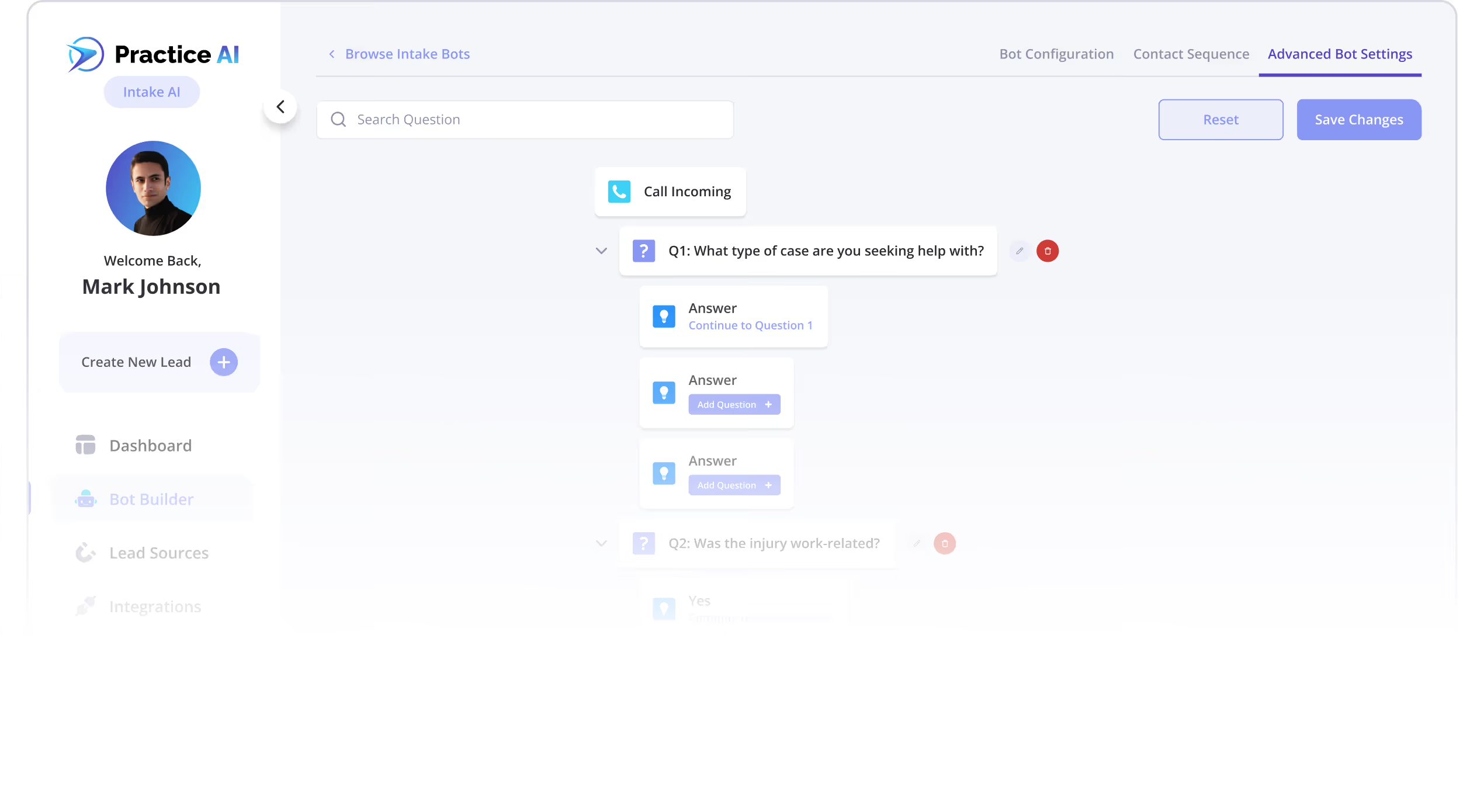
Personalized Intake
Custom questions routed by case type automatically.
What AI Intake Can Do For You
Qualify Every Inbound Lead

Run Intake Around the Clock
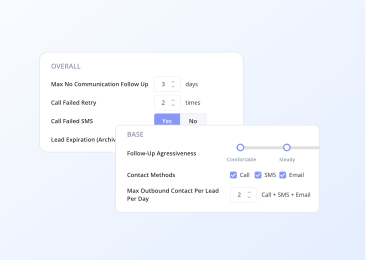
Intelligent Follow-Up
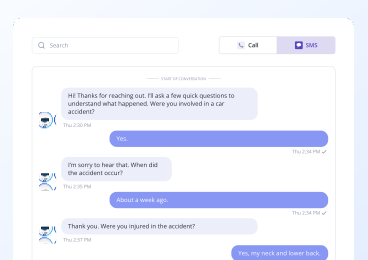
Route Qualified Cases to the Right Attorney
Custom Qualification Criteria
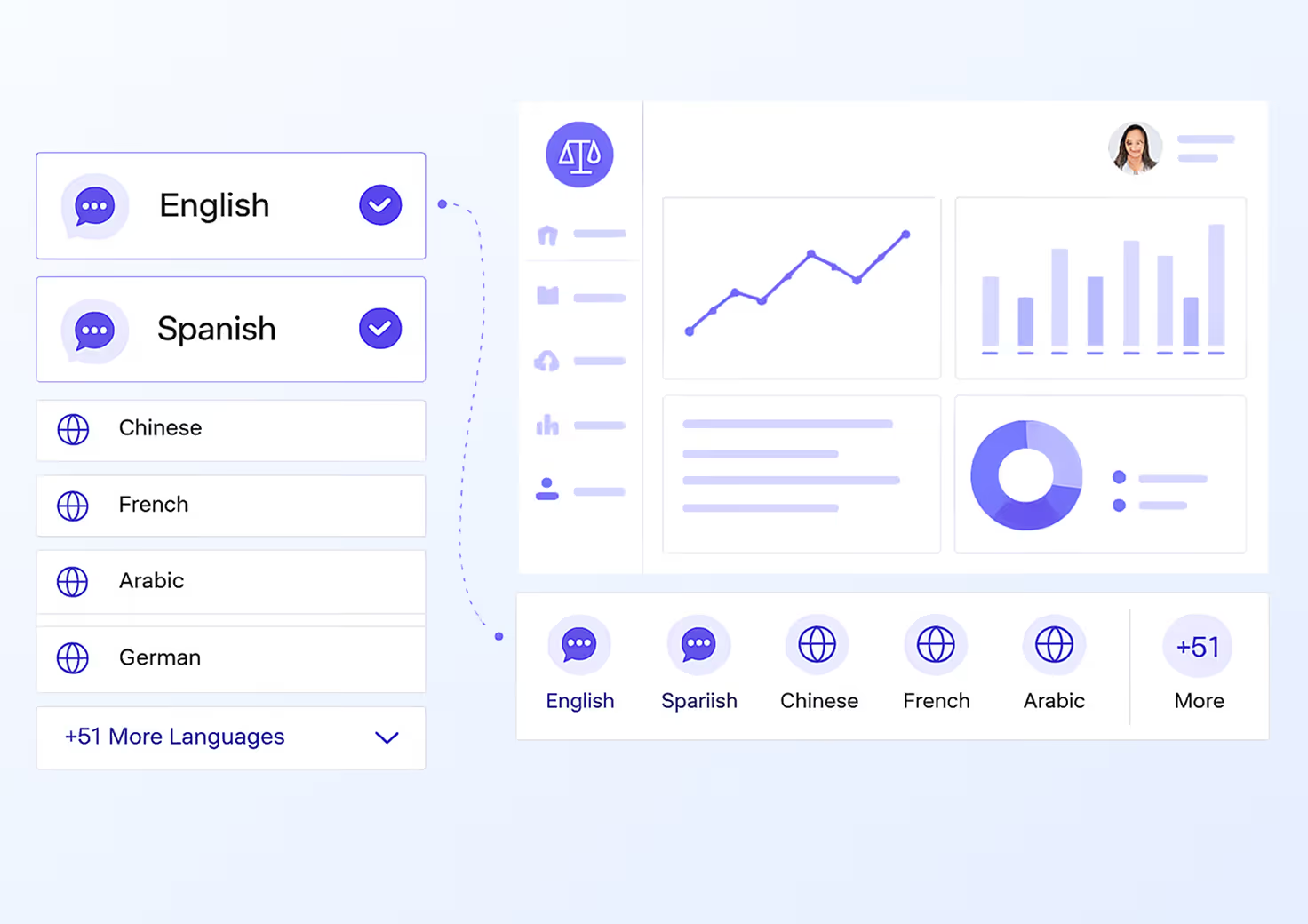
Speaks Your Client's Language
Instantly Qualify Leads with Intelligent Automation
Law Practice AI applies six layers of intelligence to every inbound lead so only the right cases reach your attorney. This is a law firm lead qualification running automatically at scale
Custom Qualifying
Questions
Your firm's intake criteria applied to every prospect through legal intake automation, automatically.
AI Conversation
Summaries
Natural, accurate responses to every inbound inquiry without a human in the loop.
Custom Agent Voice &
Call Recordings
Configured for your firm's tone, practice area, and qualification standards.
AI Lead Screening Filters leads against your eligibility criteria before they reach your team
AI Lead Screening Filters leads against your eligibility criteria before they reach your team
Past Conversation
Memory
The platform remembers prior interactions so every follow-up is informed and consistent.
Warm & Cold
Lead Transfers
Qualified leads are transferred directly to your team. Unqualified leads are handled without consuming attorney time.
Built Specifically for Plaintiff Law Firms
General law firm intake software is designed for any law firm. Law Practice AI's ai legal intake is designed specifically for personal injury, lemon law, and other plaintiff firms.
The qualification criteria, case strength indicators, and routing logic are calibrated for plaintiff practice. Legal intake ai tools built for plaintiff firms understand what makes a personal injury case strong or weak at intake. Law Practice AI applies that understanding at every hour of every day across every inbound inquiry your firm receives.
The qualification criteria, case strength indicators, and routing logic are calibrated for plaintiff practice. Legal intake ai tools built for plaintiff firms understand what makes a personal injury case strong or weak at intake. Law Practice AI applies that understanding at every hour of every day across every inbound inquiry your firm receives.


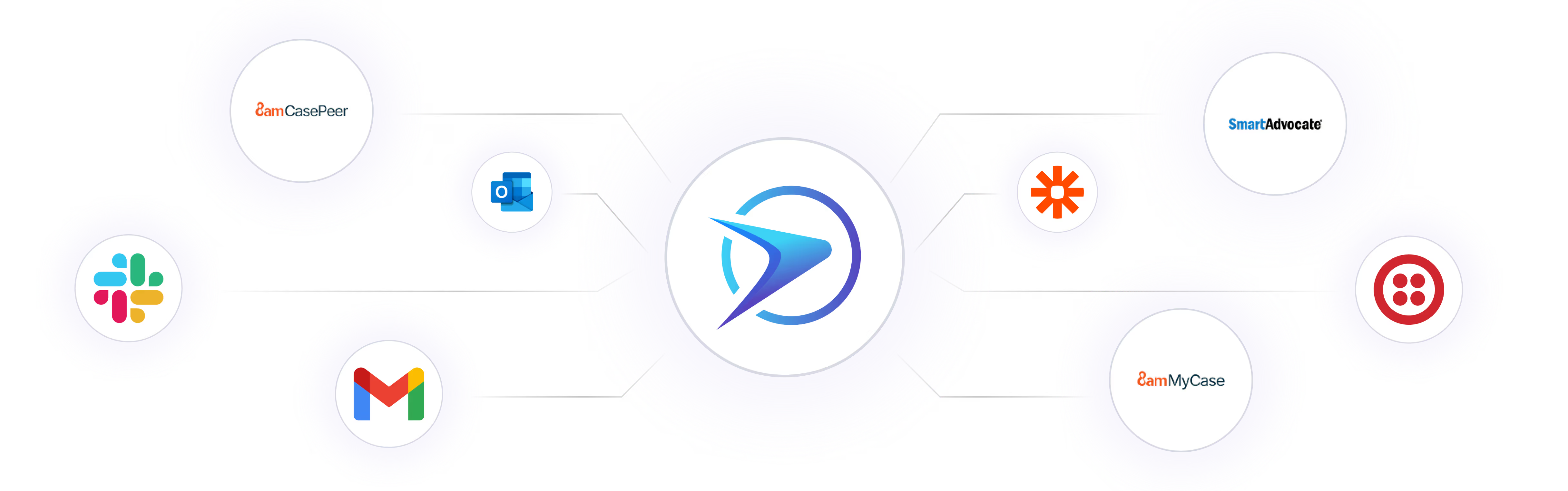
Connect With Your Existing Tools in One Click
Connect your legal software once. Instantly pull case data, documents, and client information directly into Legal Intake without re-entering anything manually.
Legal intake ai tools inside Law Practice AI eliminate the gap between your intake workflow and your case management system so every qualified lead lands exactly where it needs to go.
Legal intake ai tools inside Law Practice AI eliminate the gap between your intake workflow and your case management system so every qualified lead lands exactly where it needs to go.
Our AI Voice Agent vs. Legal Receptionist
Our AI Voice Agent
24 hours, 7 days a week
Same law firm intake software process on every call
Configured and applied automatically
Multiple languages
Pay-per-use
Every call answered
Automated client intake at defined intervals
Legal Receptionist
Business hours only
Varies by person and shift
Dependent on training and memory
Limited by individual
Full-time salary and benefits
Voicemail or missed call
Manual and inconsistent
Why Plaintiff Firms Choose Law Practice AI Legal Intake
Law Practice AI's legal intake software gives your firm the infrastructure to capture every qualified lead, respond to every inbound inquiry, and route every strong case to the right attorney without anyone managing the process manually.
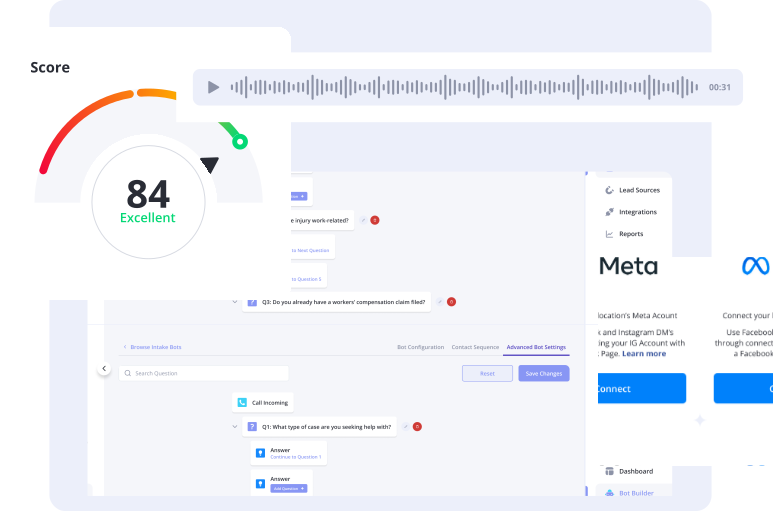
Reduce Time & Errors
Automate intake, qualification, and follow-ups so your team handles only qualified cases.
Stay Organized
Every lead, document, and appointment is tracked in one centralized platform.
Increase Conversion
AI prioritizes high-value leads so attorneys focus on the best cases.
Scale Effortlessly
Handle more leads at higher volume without expanding your intake team.

Frequently Asked Questions
What is legal intake software?
How is Law Practice AI different from other law firm intake software?
What practice types does the ai legal intake support?
Can I customize the automated client intake criteria for my firm?
How do legal intake ai tools integrate with my existing legal software?
Does Law Practice AI offer a free trial?