



Empowering Law Firms with Efficiency and Accuracy
Pay per demand letter with full access to AI drafting, review, and compliance tools.
7x
Faster
Faster
Generate demands in minutes, not hours.
Generate demands in minutes, not hours.
Secure &
Compliant
Compliant
SOC 2 certified and HIPAA compliant.
SOC 2 certified and HIPAA compliant.
70% Cost
Savings
Savings
Reduce overhead on every demand produced.
Reduce overhead on every demand produced.
90% Error
Reduction
Reduction
Clinical language sourced from actual records
Clinical language sourced from actual records.

how it wokrs
From Case File to Complete Demand Letter. Automatically.
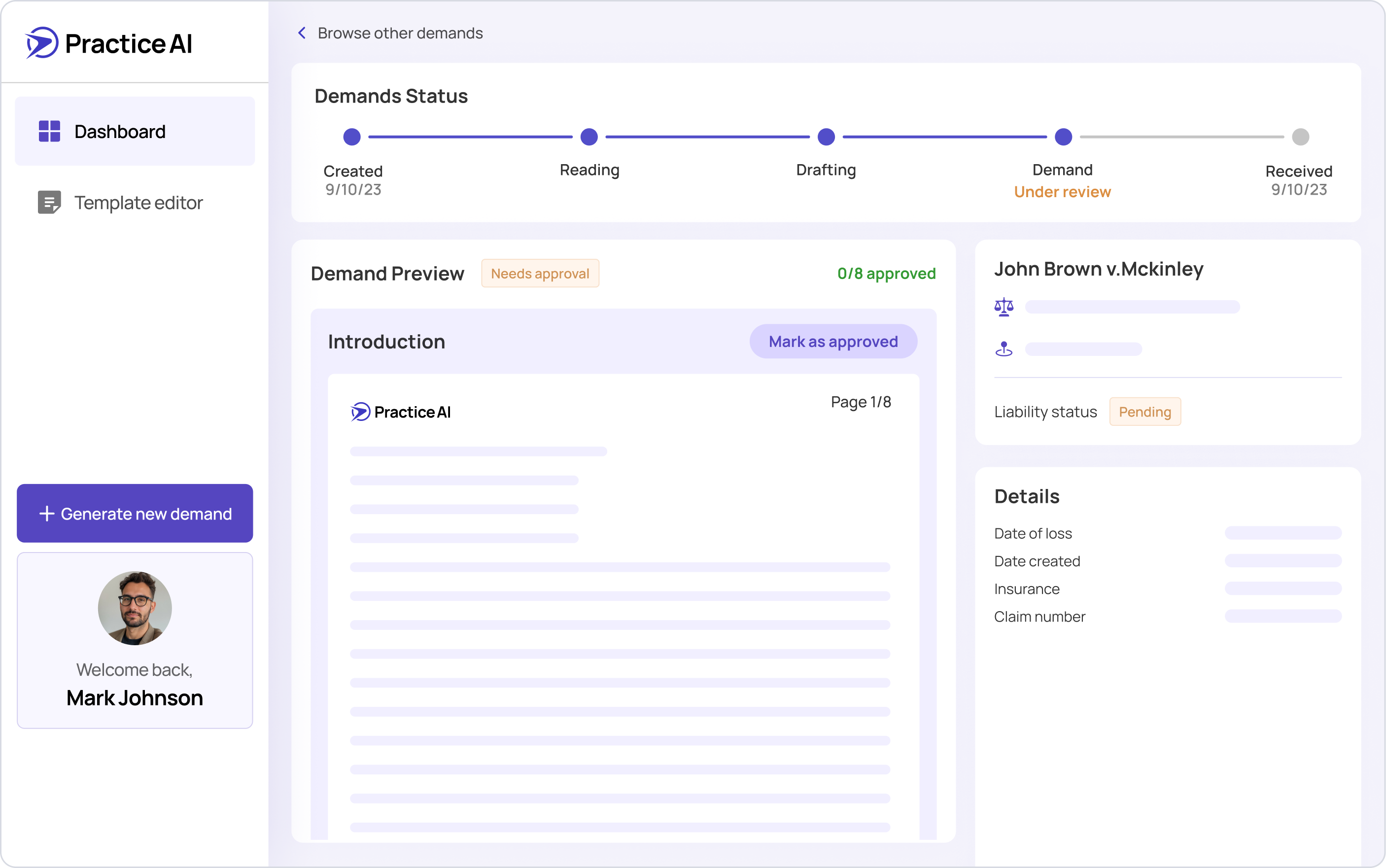
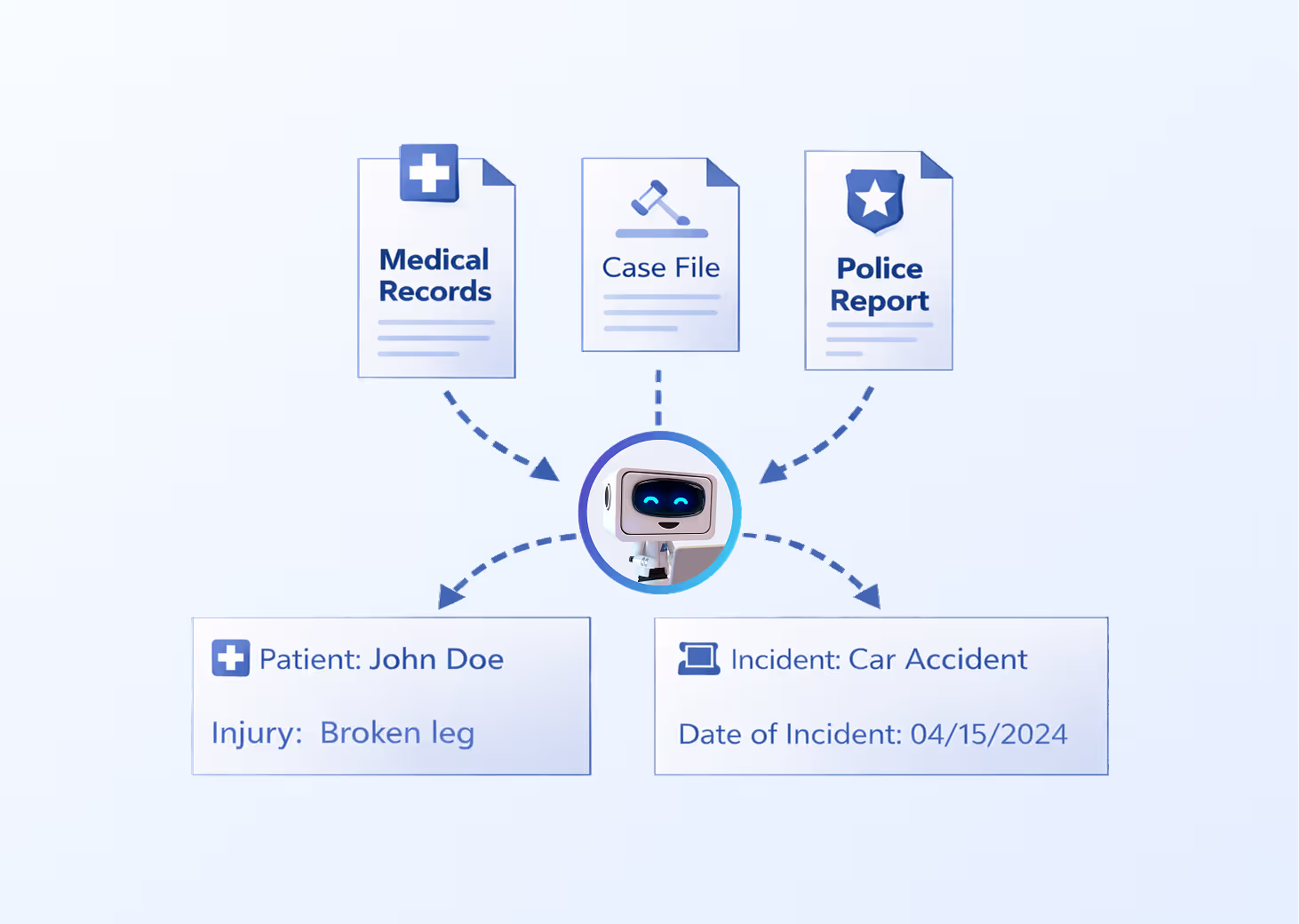
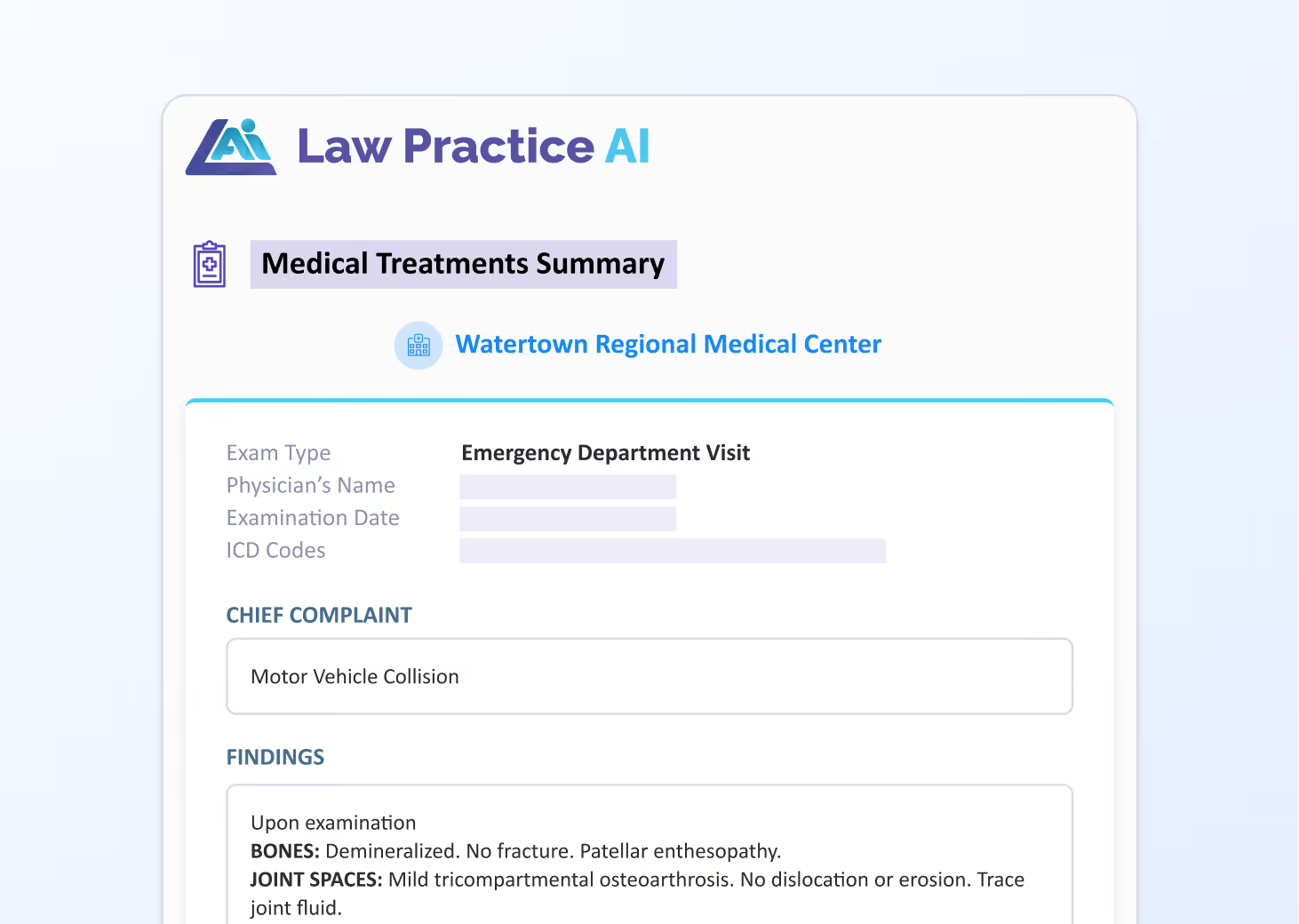
Law Practice AI reads the actual documents in your case file and generates a complete AI demand letter from what is already there. Clinical language comes from the treating physician's notes. Damage figures come from verified billing records. The repair chronology comes from uploaded service records.
Used by personal injury attorneys and plaintiff law firms nationwide.




.png)
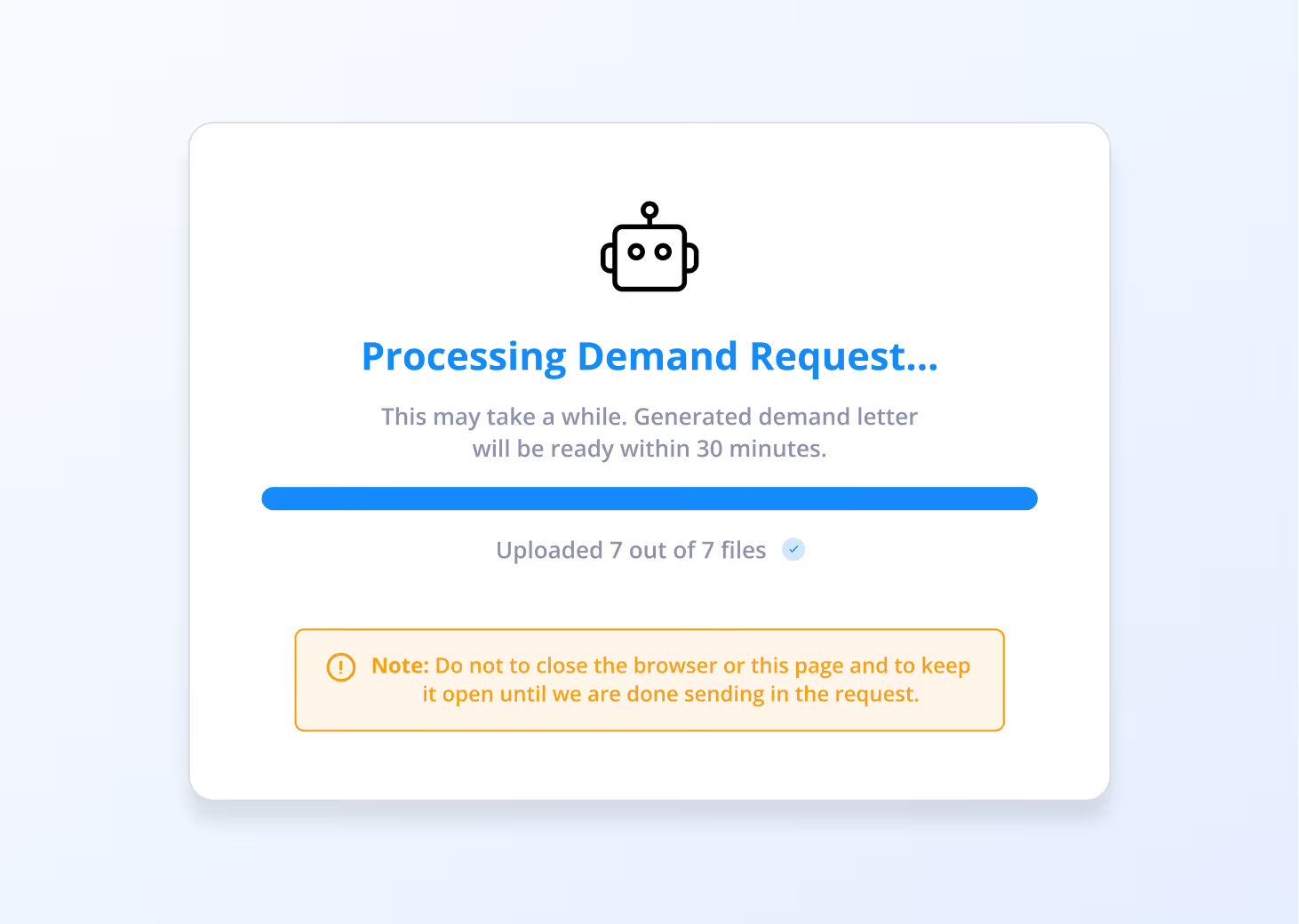

See Demands AI in Action
Demands AI adapts to specific practice areas, generating demand letters based on case type, damages, and supporting document
Personal Injury Demands
Generate evidence-backed AI demand letters using medical records, treatment timelines, and damages information.
Lemon Law Demands
Create compliant demand letters using vehicle history, repair attempts, and statutory requirements automatically applied.

PRICING
Pay Per Demand. No Wasted Budget.
Your firm pays only for what it actually uses. No monthly subscription. No long-term contracts. No minimum volume.
Essentials
Everything you need to get started, with room to expand as you grow.
$97
/mo
Demands
1 Included
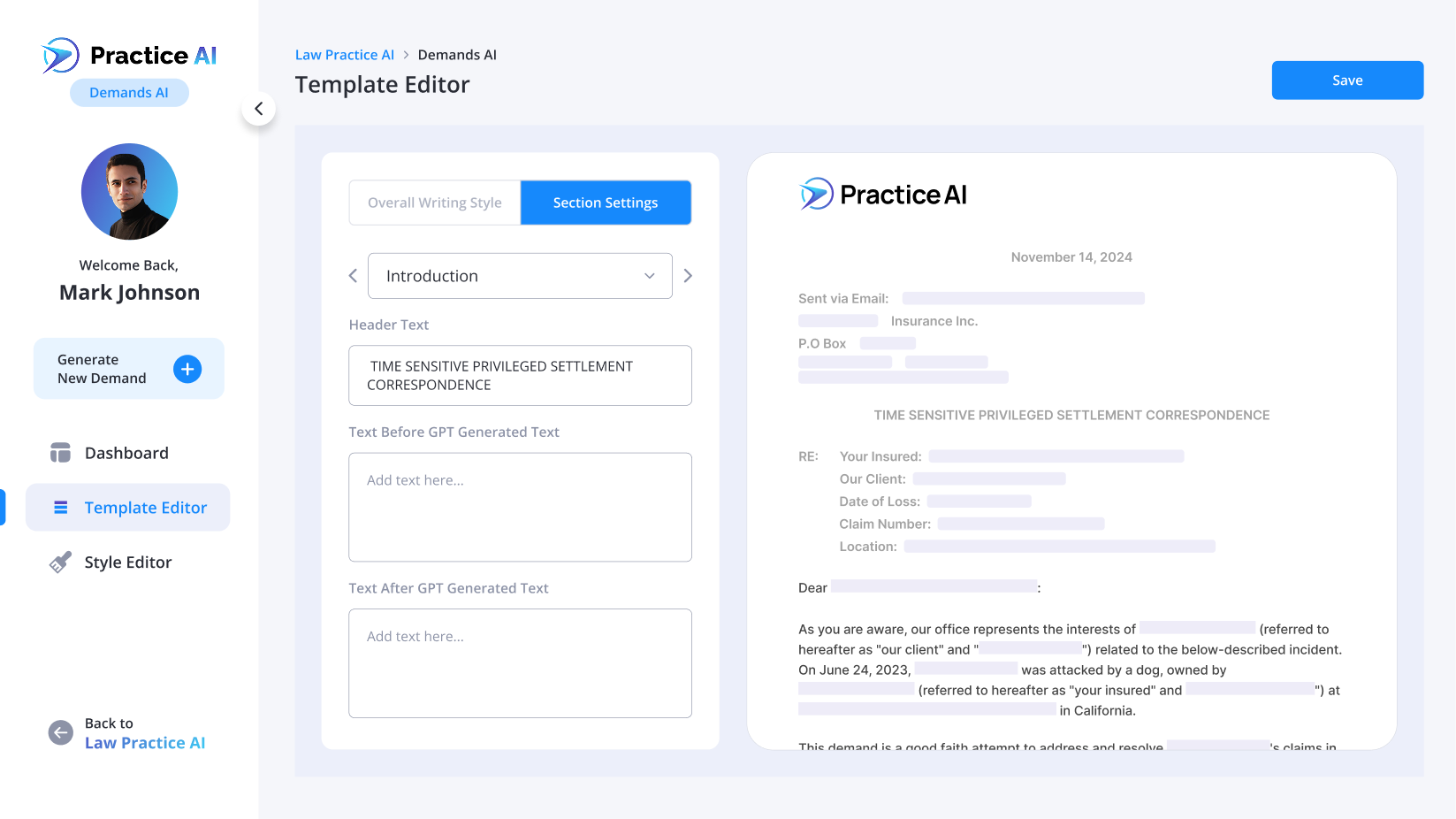
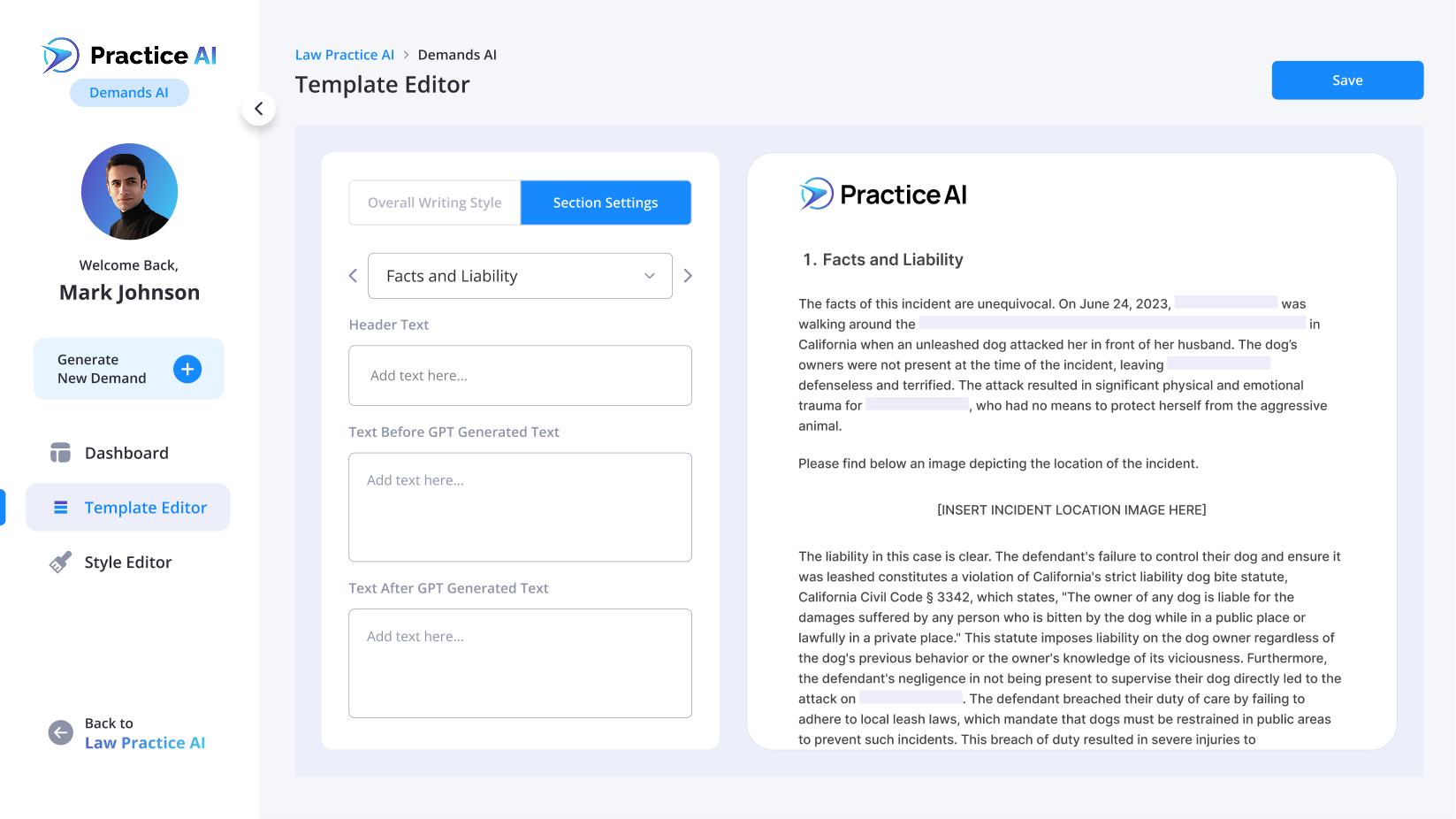
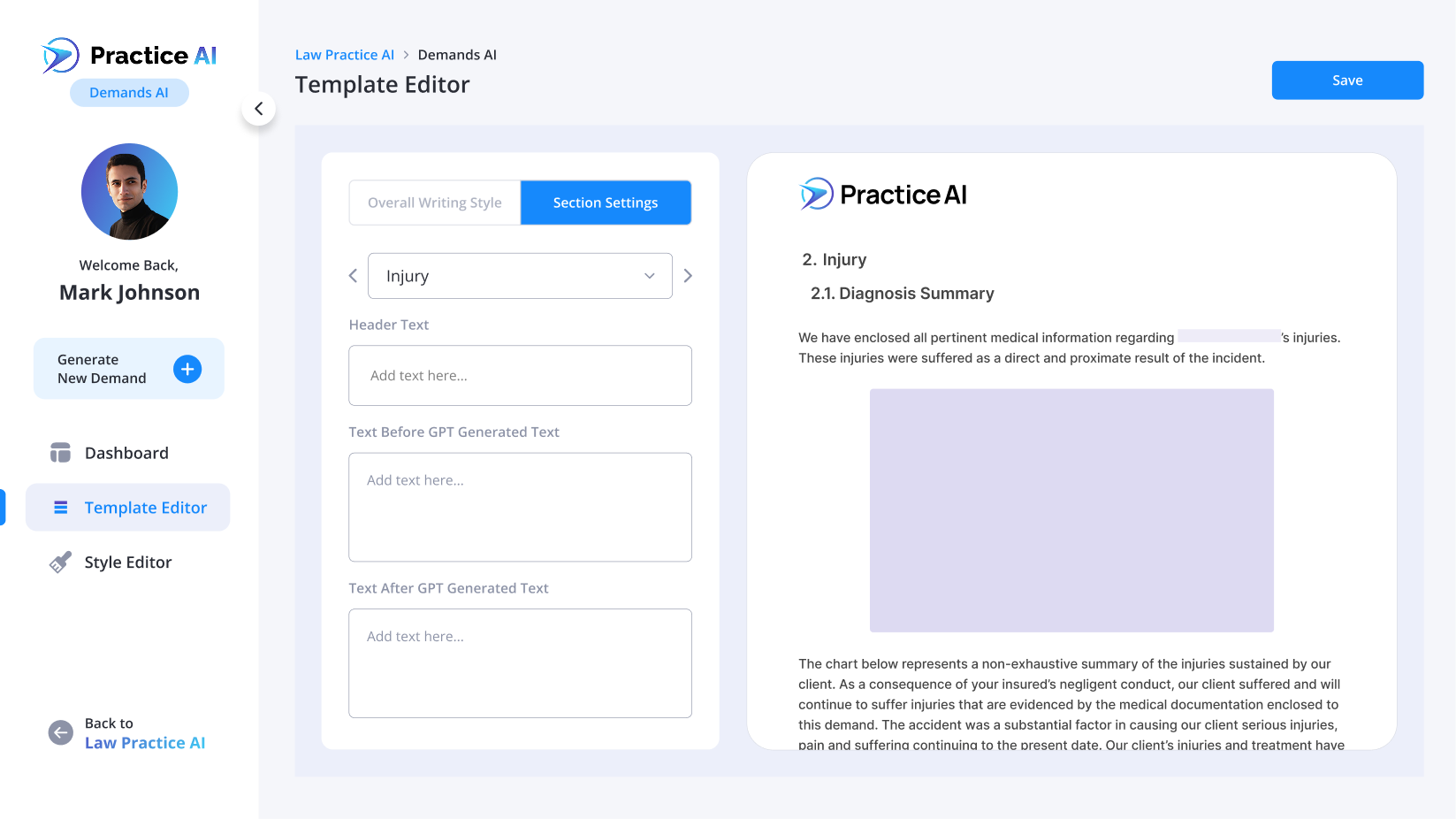
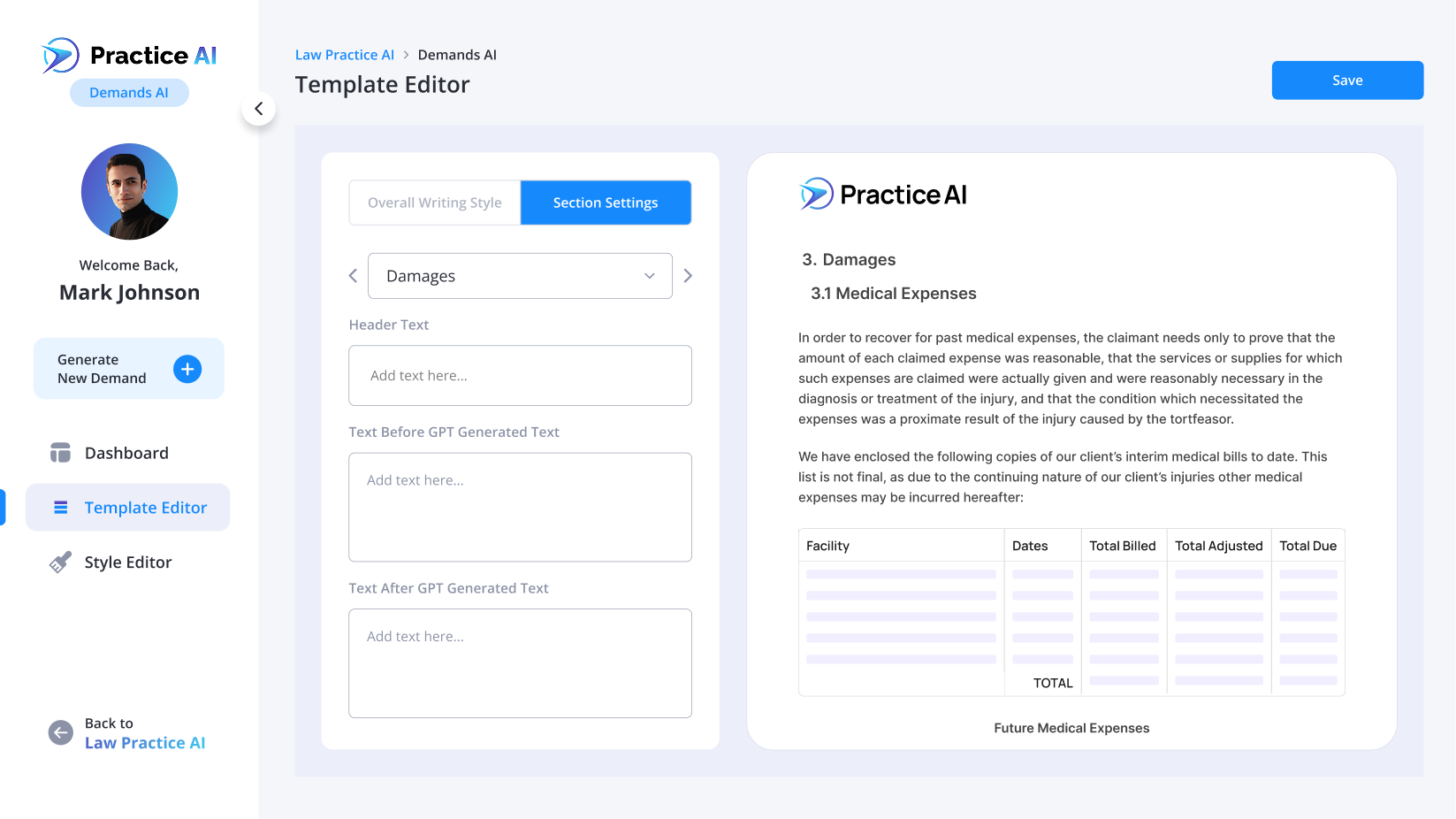
Every Section of Your Demand, Personalized for Your Practice
Every AI demand letter is generated from your actual case documentation. Not a template, not a form, not training data.


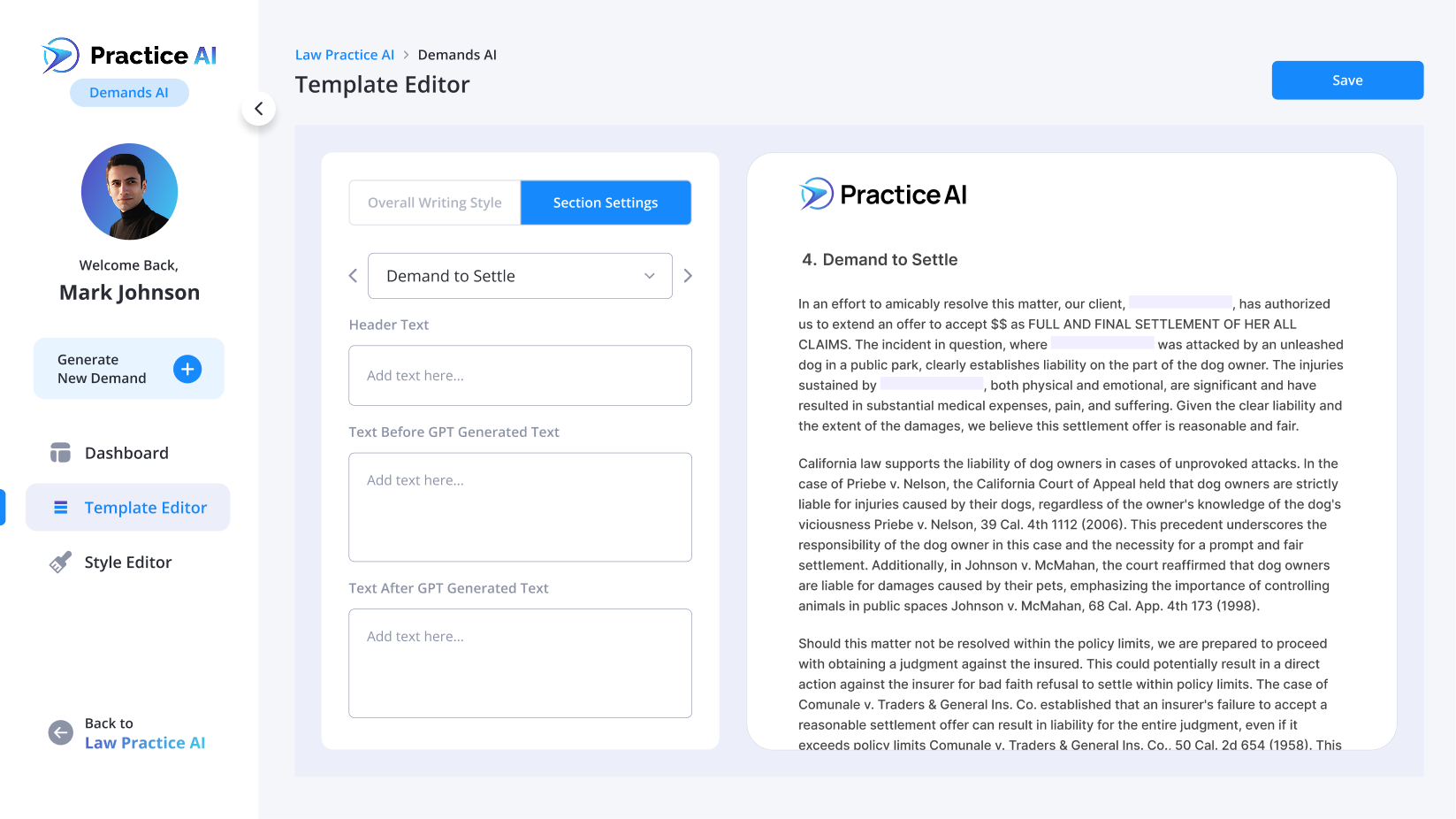
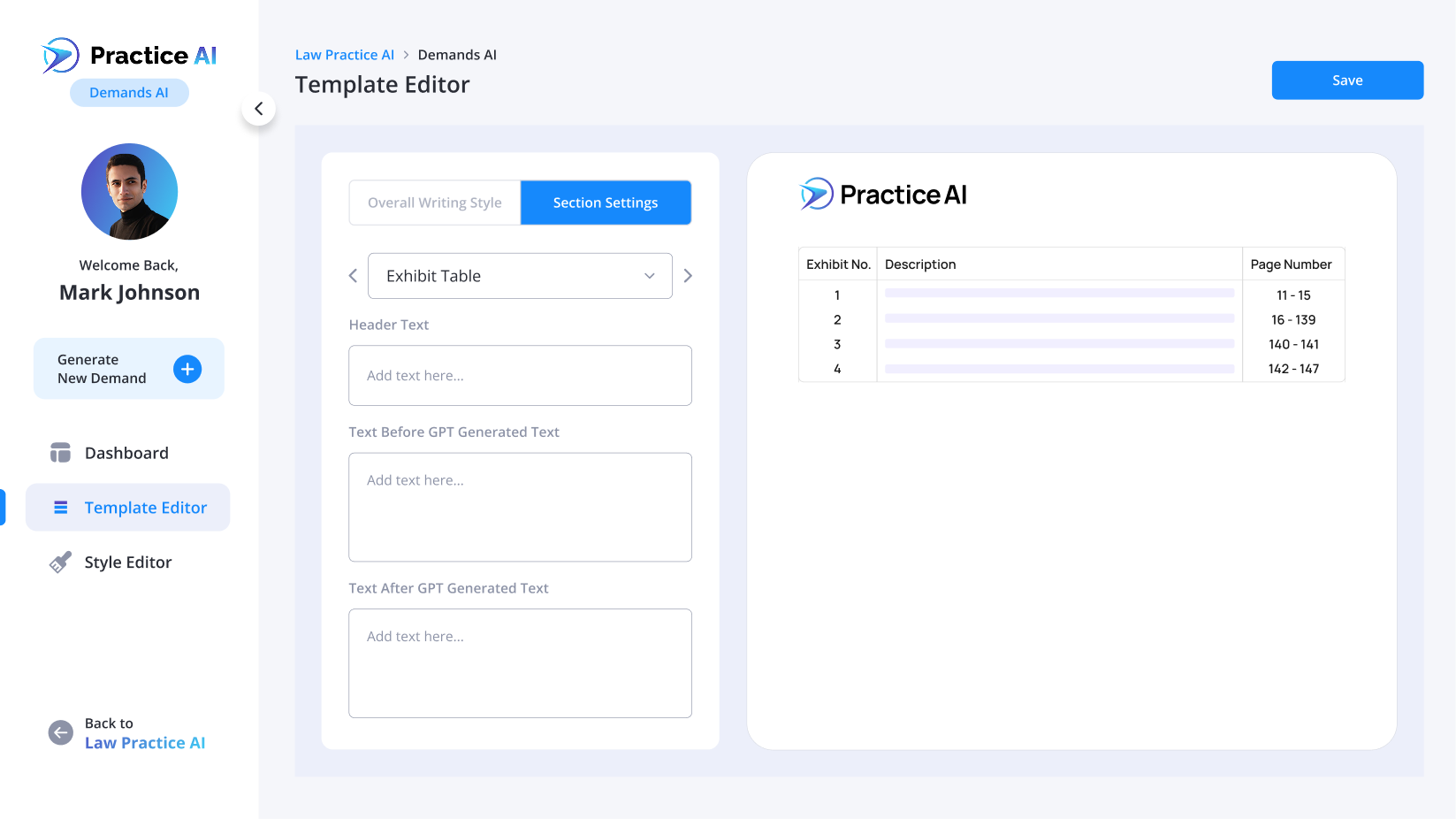

Free Demands Letter Samples
See the output quality before you commit. Download free demand letter samples generated by Demand AI across different case types.


Third Party Policy Limit
Template for claims against third-party insurance carriers, including liability analysis and damages documentation.
Download

Regular Time Limit
Template designed for standard claim deadlines, with medical documentation and settlement calculations.
Download

Global Policy Limit
Template for cases involving global policy limits, with evidence compilation and damages analysis.
Download

Dog Bite
Template for defective vehicle claims, covering breach of warranty, repair documentation, and consumer protection claims.
Download

Lemon Law
Get a lemon law demand letter outlining claims and remedies for your defective vehicle.
Download

Manual Drafting vs. Demands AI
Demands AI
Extracted automatically
From connected legal software
From actual physician records
Generated in minutes
Flagged before sending
Focused review of complete draft
Minutes per letter
Manual Drafting
Read page by page
Pulled manually
Written from notes
Built from scratch
Missed until too late
Variable timeline
Hours per letter
Frequently Asked Questions
What is Demands AI?
How is Law Practice AI different from manually creating demand letters?
Who is Demand AI for?
Can I import my existing case and client data?
Can I customize my demand letter?
How does Law Practice AI ensure security?
Can I generate exhibit packets?
Can I include attachments with my demand?
Can I track my demands?
How many demands can I create?

Details to Demand
The AI Demand Letter Software Built for How Plaintiff Firms Actually Work
Demand letters used to take hours. With legal document automation that reads your actual case file, your attorneys get a structured, evidence-backed first draft ready for review in minutes on every case, every time.