



Smarter, Faster Legal Document Collection.
Every record request sent. Every follow-up is automated. Every file organized before your attorney opens the case.
Faster case
progress
Records collected and organized automatically.
Security &
Compliance
Built on SOC 2 Type II and HIPAA.
Risk
reduction
Complete files reduce errors before sending.
Lower Admin
Burden
Follow-ups run without staff involvement.
Trusted by 300+ Law Firms Nationwide Including personal injury, lemon law, and civil plaintiff practices.






HOW IT WORKS
From Record Request to Organized Case File. Automatically.
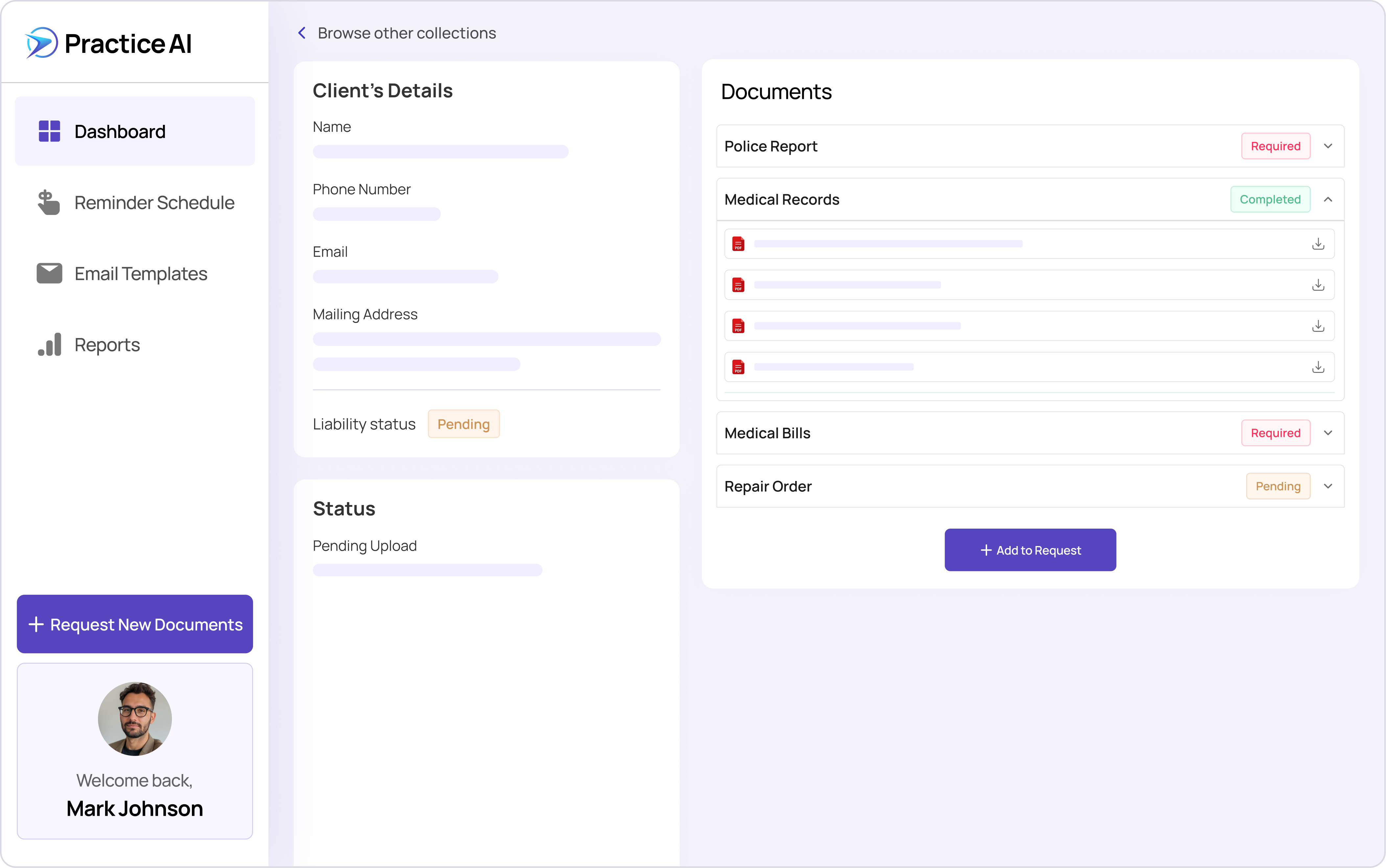
Document collection at a plaintiff law firm is not one task. It is a series of requests, follow-ups, reminders, receipts, and organizational steps that repeat across every provider in every case.
Law Practice AI's document collection software automates every step from the first request to the organized case file. Requests go out automatically, follow-ups run on a defined schedule, and every received file is sorted into the case record by document type and date.
Your attorney opens a complete, organized file without anyone chasing a single provider.
Law Practice AI's document collection software automates every step from the first request to the organized case file. Requests go out automatically, follow-ups run on a defined schedule, and every received file is sorted into the case record by document type and date.
Your attorney opens a complete, organized file without anyone chasing a single provider.
.png)
Features
What Document Collector Does for Your Firm
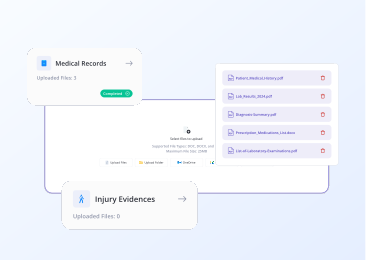
Collect Documents From Any Source
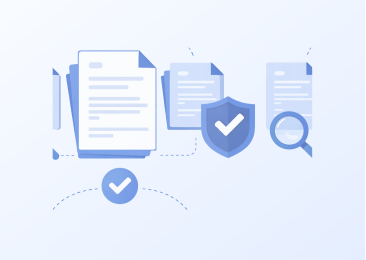
Verify Every Received File
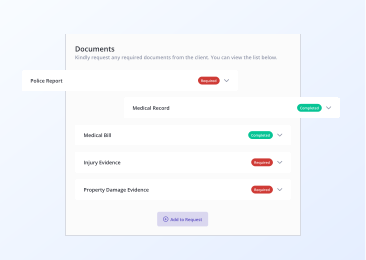
Organize Into Structured Case Files

Automated Follow-up

Custom Templates for Every Request Type
Every File Type Accepted. Every Cloud Platform Supported.
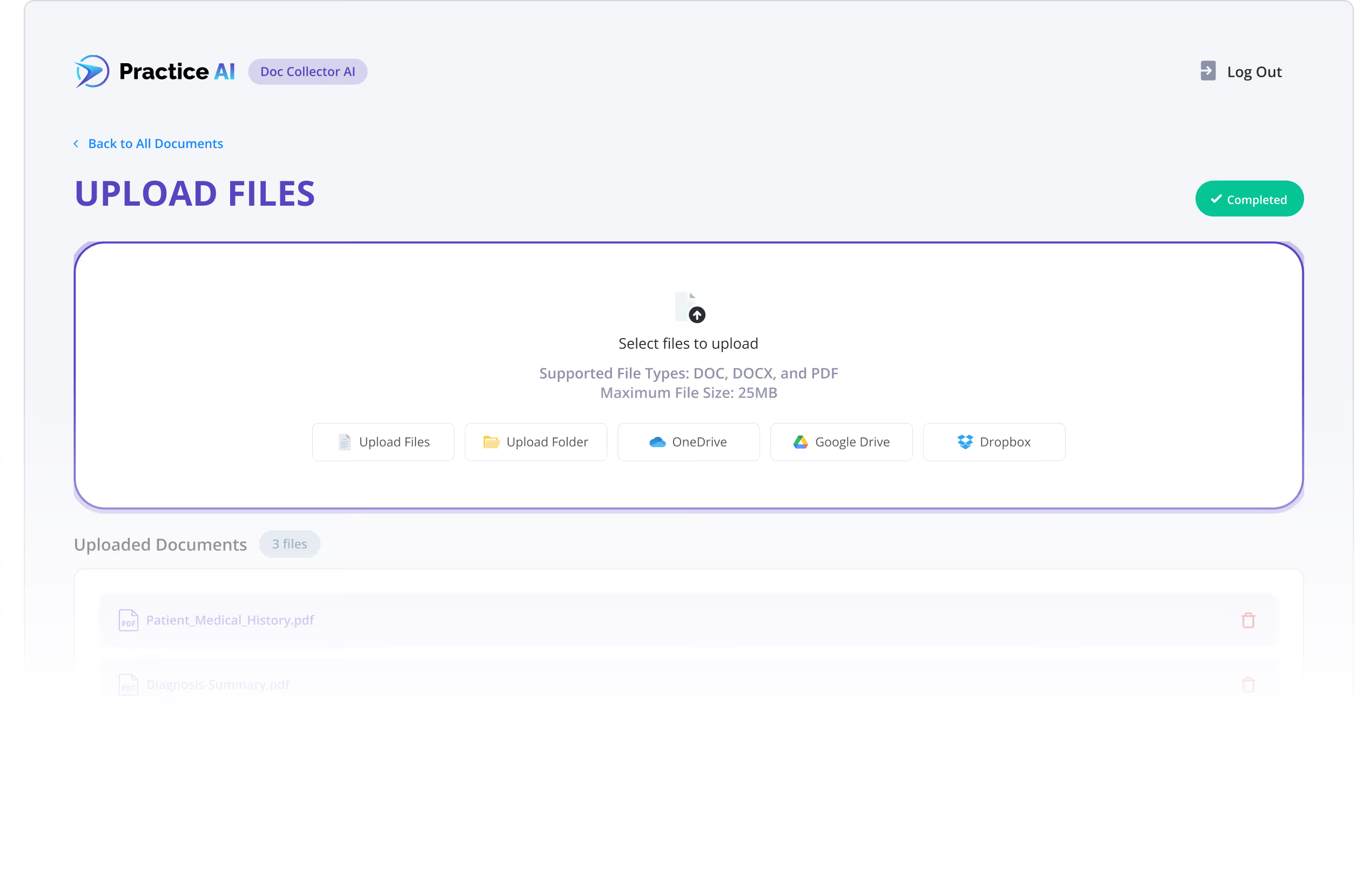
Law Practice AI document collection software handles every type of file your firm receives without manual conversion.
PDF, Word (DOC/DOCX)
The standard formats for medical records and legal documents.
Images: PNG, JPEG, JPG
Injury photographs, property damage documentation.
Audio and Video Files
Recorded statements, surveillance footage, supporting media.
Email Collection
Clients and third parties send documents directly via email. Every submission is automatically logged against the outstanding request and organized into the case file.
SMS Uploads
Request and receive documents through secure SMS links. Clients submit files from their phone without needing to log in anywhere.
Client Portal
Upload files safely through a dedicated portal. Clients and providers access a secure, branded submission page to fulfill document requests at their convenience.
Manual Document Collection vs. Law Practice AI
Manual Doc Collection
Staff emails and calls each provider
Manual sorting into folders
Spreadsheet or memory
Manual conversion required
Manual upload after receipt
Possible with manual tracking
None
Depends on firm process
Hours of follow-up and sorting
Law Practice AI Document Collector
Automated follow-ups sent on defined schedule
Automatic by document type and date
Real-time dashboard with status per request
All file types accepted automatically
Automatic sync to Google Drive, OneDrive, Dropbox
Every request tracked to completion
Native with CASEpeer, Filevine, SmartAdvocate
Built in
Near zero after initial request is sent
Real-Time Collection Reports
Track the status of every outstanding document request from one centralized dashboard.
See which providers have responded, which are still pending, and which requests need escalation at a glance. Every case file has a live status view so your team always knows exactly where things stand without making a single phone call.
See which providers have responded, which are still pending, and which requests need escalation at a glance. Every case file has a live status view so your team always knows exactly where things stand without making a single phone call.

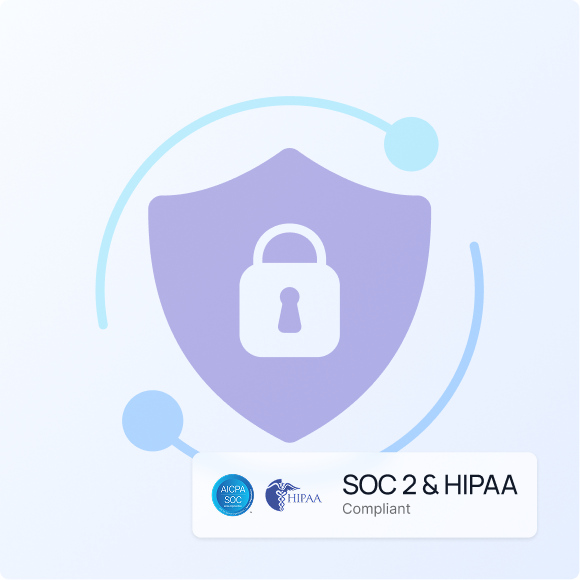
Secure and Compliant Document Handling
Every document your firm collects through Law Practice AI is handled under enterprise-grade security standards.
Law Practice AI is SOC 2 Type II certified and HIPAA compliant across every module. A signed Business Associate Agreement is executed with every firm before any client data enters the platform. All data is encrypted at rest and in transit. Uploaded documents and session data are not retained after the session ends and are never used to train or improve AI models.
Plaintiff medical records, billing statements, and case documentation require the highest level of data protection. Law Practice AI is built to meet that standard in every case.
Law Practice AI is SOC 2 Type II certified and HIPAA compliant across every module. A signed Business Associate Agreement is executed with every firm before any client data enters the platform. All data is encrypted at rest and in transit. Uploaded documents and session data are not retained after the session ends and are never used to train or improve AI models.
Plaintiff medical records, billing statements, and case documentation require the highest level of data protection. Law Practice AI is built to meet that standard in every case.
Frequently Asked Questions
What is document collection software for law firms?
How does Law Practice AI document collection software differ from general document management tools?
How does automated document collection work?
Does Law Practice AI document collection software integrate with CASEpeer, Filevine, and SmartAdvocate?
Is Law Practice AI document collection software HIPAA compliant for plaintiff medical records?
What types of legal documents can the platform collect?
Does the platform integrate with cloud storage?
Does Law Practice AI offer a free trial?
Your Team Should Be Working Cases. Not Chasing Records.
Every record your firm needs is already out there. The only question is how long it takes to get it.
Law Practice AI's document collection software sends every request, runs every follow-up, and organizes every received file automatically so your attorneys open complete, sorted case files without anyone managing the process.
Law Practice AI's document collection software sends every request, runs every follow-up, and organizes every received file automatically so your attorneys open complete, sorted case files without anyone managing the process.