


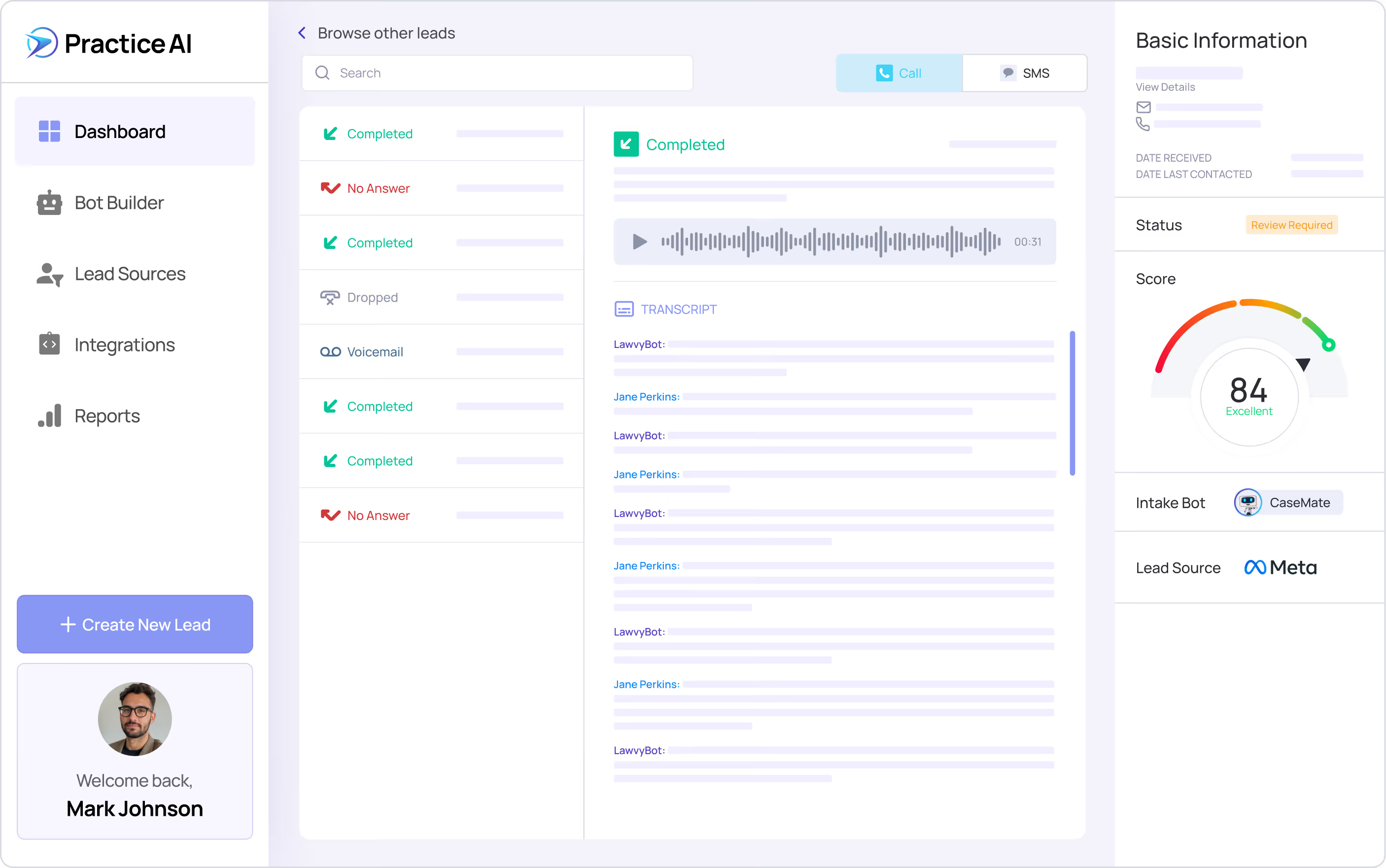
Trusted by 300+ Law Firms Nationwide Personal injury, lemon law, and civil plaintiff practices across the United States





SOC 2 Type II Certified
Verified enterprise-grade compliance.
Built on SOC 2 Type II and HIPAA.
HIPAA Compliant
Protected health information secured.
Records collected and organized automatically.
Faster Review
Large document volumes processed in minutes.
Complete files reduce errors before sending.
Structured Output
Key facts organized for attorney review.
Follow-ups run without staff involvement.

HOW IT WORKS
Upload Your Documents. Get a Structured Review. Automatically.
Manual document review at a plaintiff law firm means a paralegal reads through dense medical records, extracts clinical findings, cross-references billing statements, and organizes everything into a format the drafting attorney can use. That process takes hours per file and produces output that varies by person and by how much time they had.
Law Practice AI's document review automation reads the uploaded files and extracts key details automatically. Clinical findings come from physician notes, billing data from provider statements, and case facts from police reports. The attorney reviews a structured output instead of raw documents.
Law Practice AI's document review automation reads the uploaded files and extracts key details automatically. Clinical findings come from physician notes, billing data from provider statements, and case facts from police reports. The attorney reviews a structured output instead of raw documents.
What AI Legal Document Review Does for Your Firm
Bulk Document Review
Upload and process entire case files, discovery sets, or document folders simultaneously in minutes.
Well-Structured summaries
Get clear, concise summaries highlighting the most relevant information across every uploaded file.
Powerful Insights
Automated case timelines and strengths analysis reveal patterns and connections across your documents.
Search and Cross-Reference
AI links related data points across uploaded files, eliminating repetitive manual searching instantly.
Deep Document Analysis
AI identifies critical clauses, dates, and entities for thorough and accurate legal document analysis.
Multiple Format Support
Process PDFs, Word documents, images, and scanned files using advanced OCR and parsing technology.Qualified leads are transferred directly to your team. Unqualified leads are handled without consuming attorney time.
Search and Cross-Reference
AI links related data points across uploaded files, eliminating repetitive manual searching instantly.
Smarter Legal Document Analysis. Faster Case Preparation.
Upload your case documents and let ai legal document review extract key details, organize findings, and deliver structured output that strengthens your case strategy.
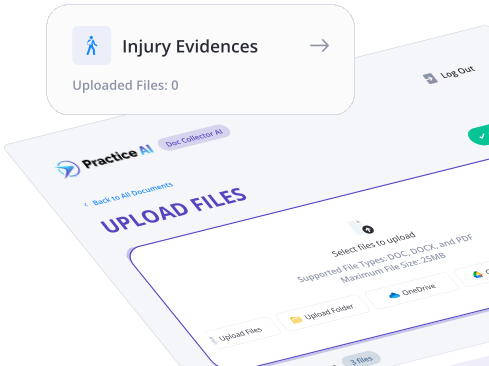
Why Legal Teams Use Law Practice AI Document Review Automation
Handle More Cases Without Expanding Your Team:
Document review automation recovers hours per case without adding paralegal staff.
Faster Case Preparation at Every Stage:
Automated document review delivers a structured first output instead of raw documents in minutes.
Secure and Confidential at Every Step:
Every file is processed under SOC 2 Type II and HIPAA compliance standards.
Consistent Accuracy Across Every File:
Automated document review applies the same extraction logic on every uploaded file every time.
Manual Document Review vs. Document Review Automation
Manual Doc Collection
Hours per file
Paralegal reads and notes manually
Varies by person
Depends on reviewer attention
Manual transfer between tools
Human error under time pressure
Standard formats only
Depends on firm process
Document Review Automation
Minutes per file
AI extracts from source material automatically
Consistent organized output every time
Surfaced automatically from every document
Feeds directly into Case Summary and Demand
Consistent extraction with no fatigue factor
PDF, Word, images, audio, video
SOC 2 Type II and HIPAA on every session
AI Legal Document Review That Connects to Your Entire Workflow
Law Practice AI's legal document review tool does not sit in isolation. Every extraction feeds directly into the workflows where the data is actually used.
Demand Generation
Extracted clinical language, damage figures, and liability facts flow into the demand letter workflow automatically. Attorneys draft from verified data, not from memory or manual notes.
Case Summary
Extracted medical findings, treatment timelines, and damage indicators are organized into structured case summaries automatically. The attorney reviews a complete summary instead of raw records.
The legal document review tool eliminates the manual transfer step between document review and case preparation. Every extracted detail is available inside the workflow where it belongs.
Success journeys
What Attorneys Say About Law Practice AI
“
We’ve been using Practice AI to help write our demands. It’s made the demand writing process extremely efficient, allowing us to handle more demands.”
Jordan Ariel, Esq.
Ariel Law Group
Frequently Asked Questions
What is AI Legal Document Review?
How does AI legal document review work for plaintiff law firms?
What types of legal documents does Law Practice AI support?
Can Law Practice AI review multiple documents at once?
How does Law Practice AI's document review integrate with CASEpeer or Filevine?
Is Law Practice AI HIPAA compliant for plaintiff medical records?
Does Law Practice AI offer a free trial?

Document Review That Used to Take Hours Now Takes Minutes.
Every file your team reviews manually is time that automated document review can recover. Law Practice AI's ai legal document review reads your uploaded case files, extracts what matters, and delivers a structured output your attorneys can act on without reading through every raw document.