


Every plaintiff attorney has done the manual version of personal injury case valuation.
Pull the medical bills. Tally the past expenses. Estimate the future treatment costs. Apply a pain and suffering multiplier based on judgment and experience. Double-check the wage loss calculation. Hope nothing was missed.
That process works. But it is slow, it is inconsistent across attorneys, and it is entirely dependent on the person running the numbers having every document in front of them at the right time.
Personal injury case valuation software is designed to replace that manual process with a structured, data-driven output that gives attorneys a consistent starting point on every case.
This article walks through what case valuation tools actually do, how to evaluate them, and what separates a useful personal injury damages calculator from one that just produces a number your attorney cannot rely on.
KEY TAKEAWAYS
- Personal injury case valuation software should pull figures from your actual case documentation, not from a generic multiplier formula applied to entered numbers.
- The most important output from a case valuation tool is not a dollar figure. It is the structured breakdown of how that figure was calculated.
- Personal injury law firm software used for case valuation must be HIPAA compliant before any medical records enter the workflow.
- An automated case valuation tool that flags missing documentation before producing an output is significantly more reliable than one that calculates from whatever data is available.
Defining Personal Injury Case Valuation
Personal injury case valuation is the process of calculating the total compensatory damages a plaintiff is entitled to based on the documented evidence in their case file.
A complete personal injury case valuation is not a single number. It is a structured, component-by-component breakdown covering past medical expenses, future treatment costs, lost wages, pain and suffering, and property damage. Each component is drawn from verified documentation, not from estimates or averages.
The valuation forms the foundation of the settlement demand. How it is calculated, what documentation it is based on, and how each figure is supported determines whether the demand holds up under adjuster scrutiny or gives opposing counsel grounds to challenge it.
What Personal Injury Case Valuation Actually Involves
Before evaluating any software, it helps to be precise about what personal injury case valuation means in practice for a plaintiff law firm.
Case valuation is not a single calculation. It is a multi-component process that requires accurate documentation of every relevant damages category.
The Core Damages Categories
A complete personal injury case valuation covers the following:
Past Medical Expenses: Total billed amounts organized by provider, including emergency department care, specialist visits, imaging, physical therapy, and any other documented treatment. The figure is drawn from verified billing statements, not estimates.
Future Medical Expenses: Projected ongoing care costs based on treating physician recommendations. This typically includes physical therapy, specialist follow-ups, pain management, and any anticipated surgical interventions.
Pain and Suffering: Non-economic damages calculated using either a multiplier applied to total medical expenses or a per diem approach based on the duration and severity of the injury. Multipliers typically range from 1.5x to 5x total medical expenses depending on injury severity. A soft tissue case may support 1.5x to 2x, while a permanent disability case with documented long-term functional limitations may support 4x or higher.
Per diem calculations assign a daily value to the injury and multiply it by the number of days the plaintiff experienced pain and limitation. The appropriate method depends on jurisdiction, documented injury severity, and the strength of the clinical evidence.
Lost Wages: Income lost during the recovery period, documented with employer verification and pay stubs. Where applicable, future earning capacity loss is addressed with vocational expert input.
Property Damage: Vehicle repair or total loss value, documented with appraisals or repair estimates.
Why Manual Case Valuation Creates Inconsistency
When personal injury case valuation is done manually, the output depends entirely on who is running the numbers, what documentation they have in front of them, and what multiplier they choose to apply.
Two attorneys at the same firm can review the same case file and arrive at materially different valuations. That inconsistency affects settlement positioning, negotiation strategy, and ultimately client outcomes.
Personal injury case valuation software standardizes the process by applying consistent calculation logic to the same verified documentation every time.
What Case Valuation Software Actually Does
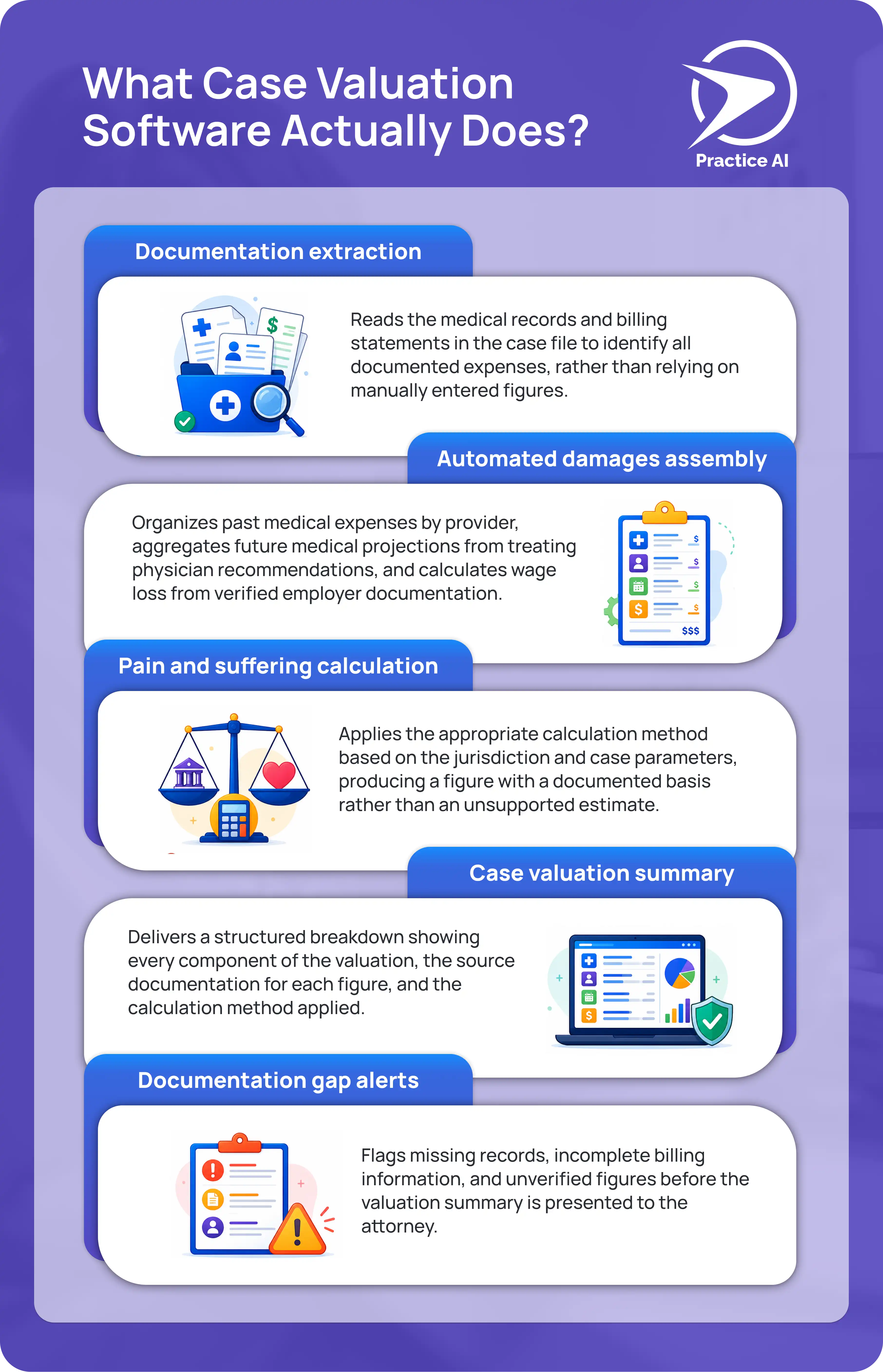
A personal injury damages calculator embedded in a plaintiff law firm workflow does more than multiply medical bills by a number.
Here is what a properly built case valuation tool produces:
- Documentation extraction
Reads the medical records and billing statements in the case file to identify all documented expenses, rather than relying on manually entered figures.
- Automated damages assembly
Organizes past medical expenses by provider, aggregates future medical projections from treating physician recommendations, and calculates wage loss from verified employer documentation.
- Pain and suffering calculation
Applies the appropriate calculation method based on the jurisdiction and case parameters, producing a figure with a documented basis rather than an unsupported estimate.
- Case valuation summary
Delivers a structured breakdown showing every component of the valuation, the source documentation for each figure, and the calculation method applied.
- Documentation gap alerts
Flags missing records, incomplete billing information, and unverified figures before the valuation summary is presented to the attorney.
A personal injury damages calculator that skips any of these steps is producing a number, not a valuation.
How to Evaluate Case Valuation Software for a Plaintiff PI Firm

These are the criteria that separate useful case valuation software from tools that add more steps than they remove.
1. Does It Read Your Actual Case Documents?
The most important question is whether the tool reads your uploaded case documents or asks you to enter figures manually.
A tool that accepts manual entries produces output based on what someone typed in. A tool that reads your uploaded records produces output based on what the documentation actually shows.
For personal injury case valuation, that distinction is significant. A billing total entered manually is only as accurate as the person who entered it. A billing total extracted from the uploaded provider records is verified against the source.
2. Does It Integrate With Your Legal Software?
Case valuation software that does not connect to your existing platform CASEpeer, Filevine, SmartAdvocate requires your team to re-enter information that is already in your system.
Personal injury law firm software used for case valuation should pull case data, billing records, and client information automatically. An automated case valuation that requires manual data transfer between platforms is not actually automated.
3. Does It Produce a Structured Breakdown, Not Just a Total?
A dollar figure without a breakdown is not a usable case valuation for a plaintiff attorney.
The output needs to show every component of the calculation, the source for each figure, and the method used to calculate pain and suffering. An attorney reviewing the valuation should be able to verify every line before using it to set a demand.
4. Does It Flag What Is Missing?
An automated case valuation tool that calculates from whatever documentation is available, without flagging what is missing, will produce an inaccurate valuation whenever the case file is incomplete.
The tool should identify missing provider records, unverified wage loss documentation, incomplete billing statements, and any other gaps before presenting the valuation. Catching missing documentation before the calculation runs is significantly better than discovering it after the demand letter is sent.
5. Is It HIPAA Compliant and SOC 2 Certified?
Every personal injury case file contains protected health information. Any case valuation software that processes medical records must be HIPAA compliant and SOC 2 Type II certified, with a signed Business Associate Agreement in place before any client data enters the platform.
This is not optional for plaintiff law firms. It is a baseline requirement.
6. Does Attorney Review Remain Mandatory?
No automated case valuation should produce a final figure that goes directly into a demand letter without attorney review.
The software handles the data assembly and calculation. The attorney reviews the output, adjusts where judgment requires it, and approves the final valuation before it is used. Firms using tools that skip this step are assuming professional responsibility risk they do not need to take.
General Calculator vs. Purpose-Built Case Valuation Software
How Law Practice AI Handles Personal Injury Case Valuation
Law Practice AI includes automated case valuation software built specifically for plaintiff law firms.
The platform reads the uploaded medical records, billing statements, and case documentation to assemble a complete valuation. Past medical expenses are organized by provider. Future medical projections are drawn from treating physician recommendations. Wage loss is calculated from verified employer documentation.
The pain and suffering calculation is documented with the method and basis used. Every component of the valuation shows its source so the attorney can verify every figure before using it.
Documentation gaps are flagged before the valuation summary is produced. Attorney review is required before any output is used. No valuation leaves the platform without explicit attorney approval.
Law Practice AI is HIPAA compliant and SOC 2 Type II certified. A signed Business Associate Agreement is in place with every firm before any client data enters the platform.
Frequently Asked Questions
The Right Case Valuation Tool Produces a Breakdown Your Attorney Can Actually Use
A personal injury case valuation is only as reliable as the documentation behind it.
Tools that accept manual inputs produce estimates. Tools that read your actual case documents, flag what is missing, and deliver a component-by-component breakdown with documented sources produce valuations.
That is the distinction worth holding every case valuation software option to before your firm commits to using it.
Book a Consultation to see how automated case valuation software fits your plaintiff practice.